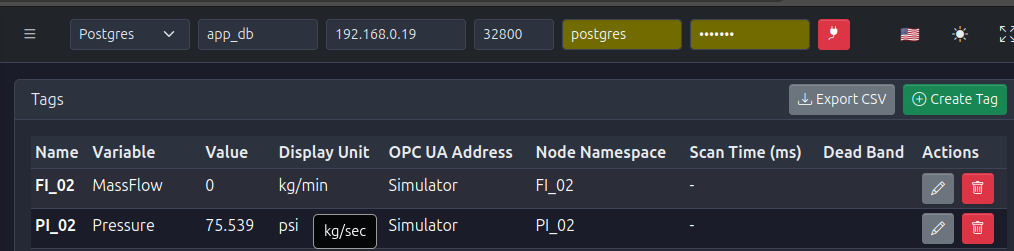
Updating a Tag
✏️ Modify Tag Properties
PyAutomation allows for the seamless modification of tag properties through an edit form. This ensures that all tag configurations can be updated in a structured and organized manner.
Editing Procedure
- Locate the Tag: Navigate to the Tags Dashboard and find the row corresponding to the tag you wish to modify.
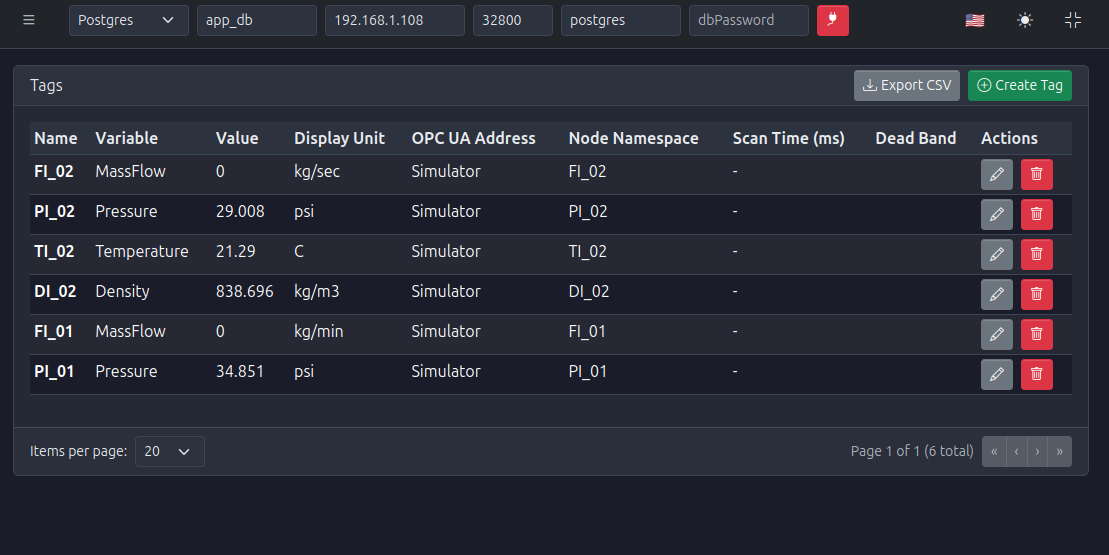
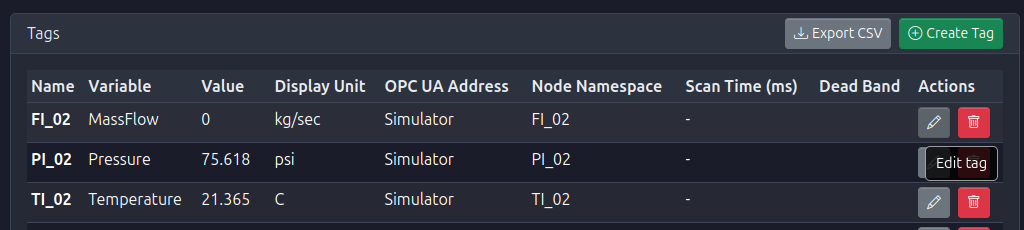
- Open Edit Form: Click the edit icon (✏️) located in the Actions column of the tag's row to open the edit form.

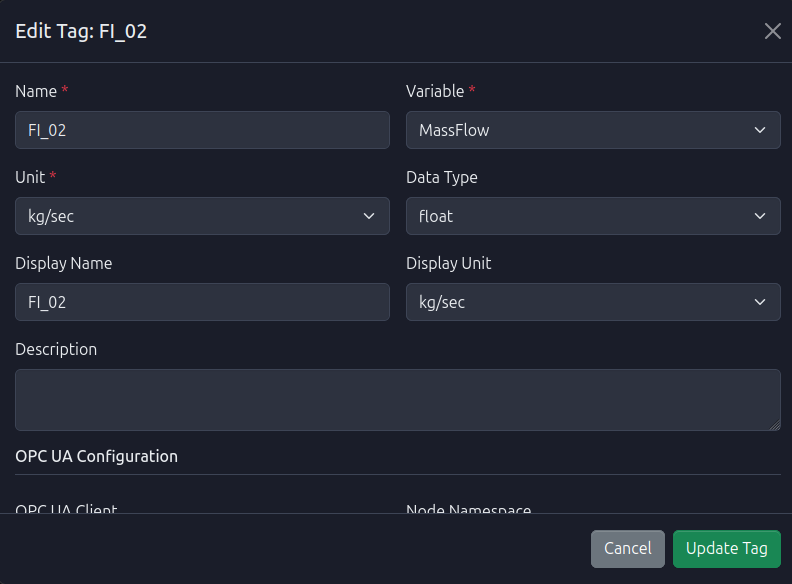
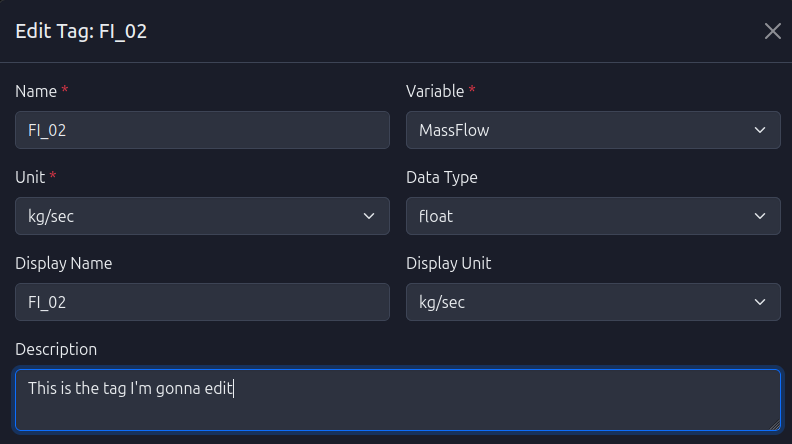
- Edit Tag Properties: The edit form will open, displaying all tag configuration fields. Modify the desired properties:
- Name: Change the unique identifier (must remain unique)
- Description: Update the tag description
- Display Name: Modify the friendly name for visualization
- Scan Time: Adjust the polling frequency
- Deadband: Update the change threshold
- OPC UA Configuration: Modify client or node namespace
- Advanced Configuration: Update filters, anomaly detection, or segment/manufacturer information
- Note: All fields can be modified except the tag's unique identifier (ID).
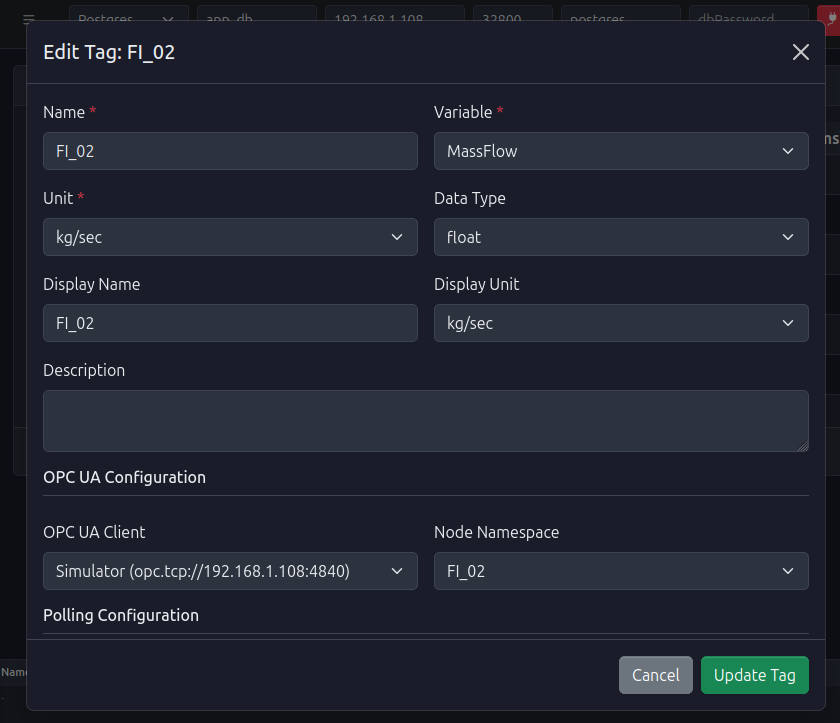
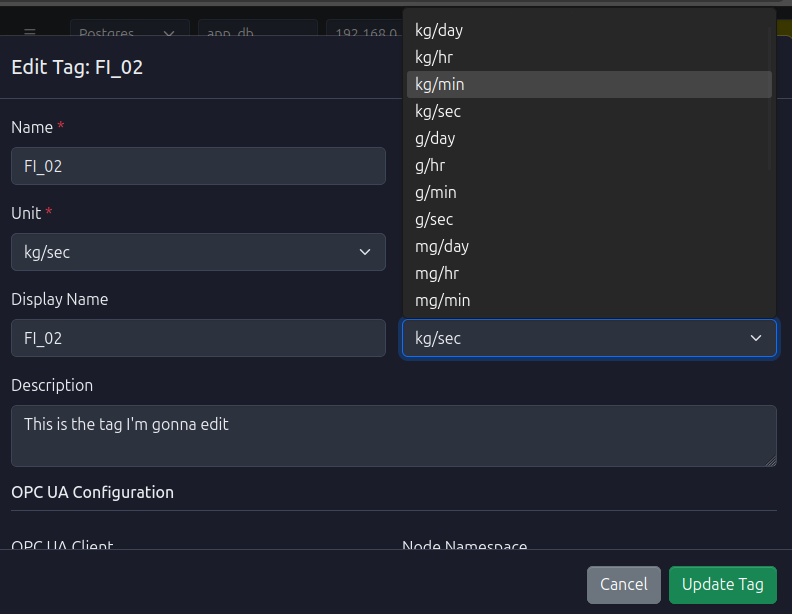
- Save Changes: Click the Save or Update button at the bottom of the form to apply the changes.
- Verification: The dashboard will refresh to reflect the updated tag properties. The modified fields will be displayed with their new values in the Tags Dashboard.